Broadcast messaging
WhatsApp broadcast messages for bus operators
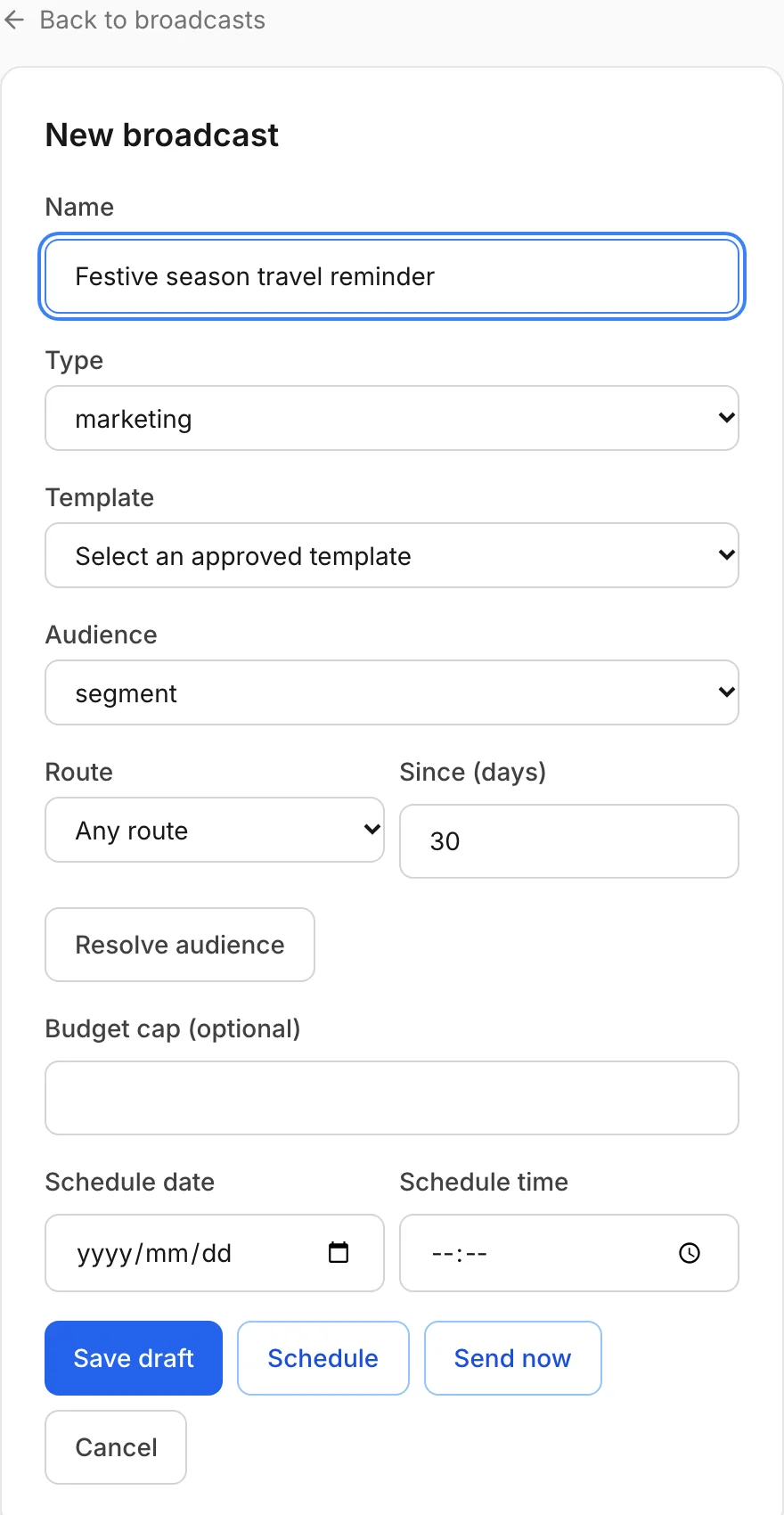
BusBot lets bus operators send one approved WhatsApp message to many passengers at once, such as a timetable change or a seasonal offer. You write a template, Meta approves it, you choose who receives it, see the estimated cost against your budget cap, and send it now or schedule it.
The process
How do you send a WhatsApp broadcast?
-
1
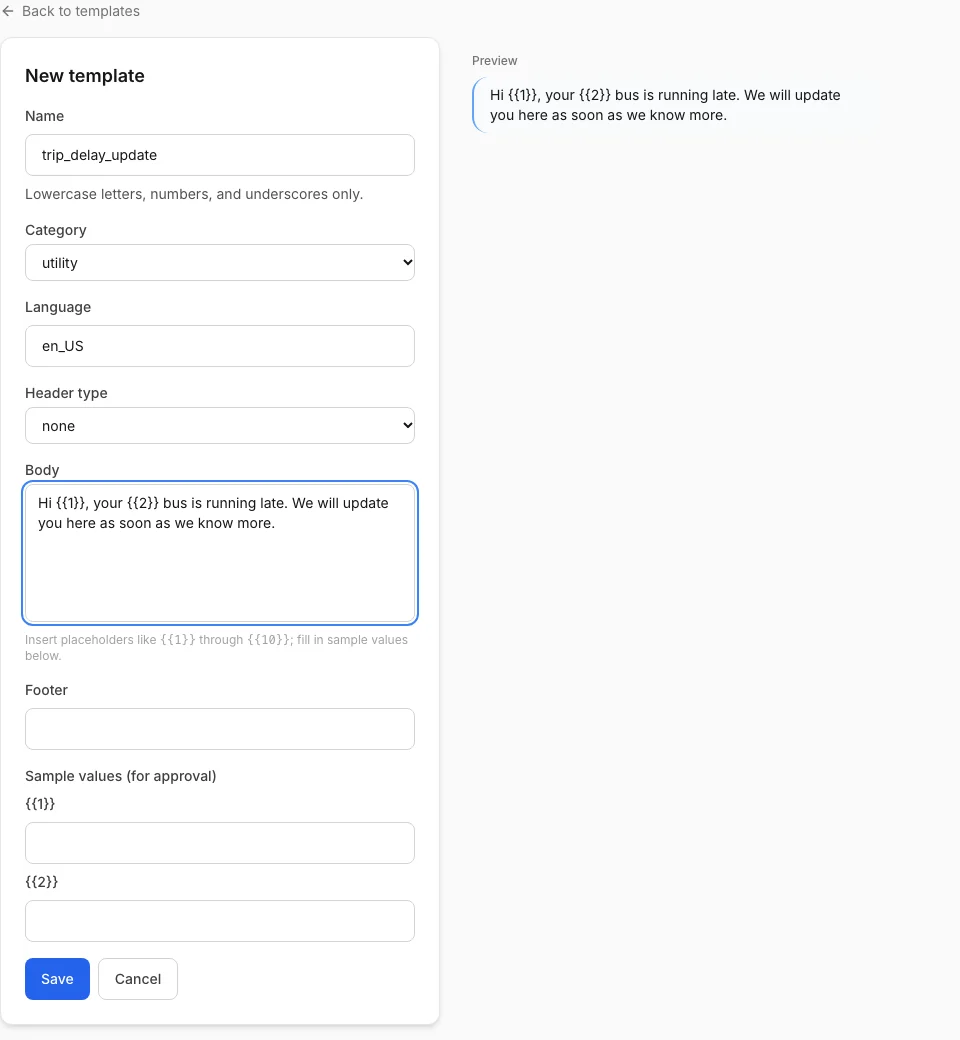
Write a template
Create a message template in BusBot, choose a category such as Utility or Marketing, and add the text with placeholders for details like the passenger’s name.
-
2
Submit it to Meta
Submit the template for approval from the templates list. BusBot shows approved or rejected, with the reason if it is rejected.
-
3
Choose the audience
Pick all past bookers, a segment by route and time period, or upload a CSV list of numbers.
-
4
Check the cost and send
Resolve the audience to see the number of recipients and the estimated cost in rand. If it is over your budget cap, sending is blocked. Otherwise send now or schedule it.
The rules
What rules apply to WhatsApp broadcasts?
Meta sets the rules for messages a business sends outside a live chat. BusBot follows them, but your consent records are your own.
- Templates must be approved by Meta before you can send them, and approval is Meta’s decision
- Choose the right category: Utility is for messages about a booking or trip, such as a delay, and Marketing is for offers and promotions
- A business may reply freely for 24 hours after the passenger’s last message. After that, only an approved template can reach them
- Only message people who have agreed to hear from you. Meta requires opt-in before you send templates, and BusBot does not manage consent or opt-outs for you
Cost
How do you keep broadcast costs under control?
Estimate before you send
BusBot estimates the cost for your audience in rand and shows it against your budget cap. If the estimate is over the cap, sending is blocked.
See what WhatsApp bills
A billing view lists WhatsApp’s billable 24-hour conversation windows and what they cost.
Part of BusBot customer support. Book a free demo to see broadcasts live.
Questions
Frequently asked
What is a WhatsApp broadcast?
One approved message template sent to many passengers at once, such as a timetable change or a seasonal offer.
Do I need Meta’s approval to send one?
Yes. Every template must be approved by Meta before you can use it. You submit it for approval from BusBot, which shows whether it was approved or rejected, with the reason.
Who can I send a broadcast to?
All past bookers, a segment by route and time period, or a CSV list of numbers. Only message people who have agreed to hear from you.
Can I schedule a broadcast?
Yes. You can send a broadcast now or schedule it for later.
What does a broadcast cost?
WhatsApp charges per message delivered, and the rate depends on the message category and the country. BusBot shows an estimate for your audience in rand and blocks sending if it is over your budget cap.
Can passengers opt out of broadcasts?
Passengers can block your number on WhatsApp. BusBot leaves out passengers you have marked as blocked, but it does not manage consent or opt-outs for you, so keep your own record of who has agreed and who has asked to stop.
Can I see who read my broadcast?
Not today. BusBot shows the recipient count, cost and schedule for each broadcast.
Explore BusBot
More ways BusBot helps bus operators
See your whole operation in one place
Book a free demo and we’ll show you how BusBot handles tickets, parcels, expenses, payments and customer support for an operator like yours.